


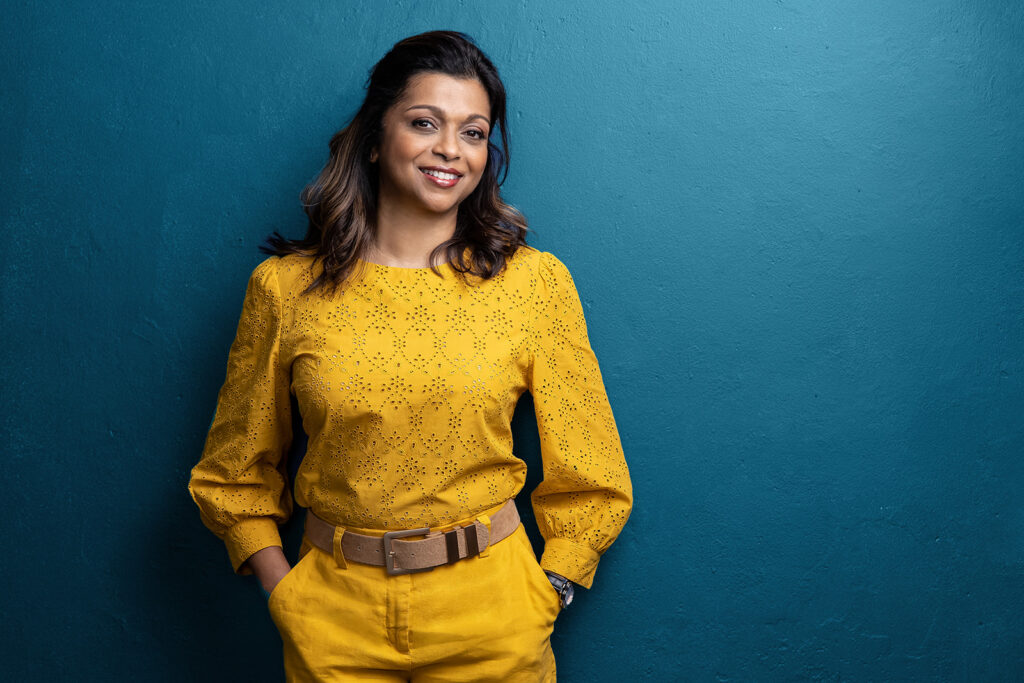


Plan the scenes, then let people actually work. Natural team photos come from real tasks in your real space, with a photographer who directs lightly and gets out of the way.
What doesn’t work is asking a busy team to “act natural”. Nobody in history has relaxed on command, and the result is the classic office stock photo: four people laughing at a laptop that’s switched off.
Here’s how to get photos that look like your business on a good day.
Why do staged office photos look so staged?
Because everyone’s performing for the camera.
The giveaways are always the same: a handshake held a second too long, someone pointing at a screen for no reason, a meeting where everybody faces the same way and nobody holds a pen. People can spot a set-up instantly, and once they do, they stop trusting the rest of the page. Real work has a rhythm to it, and the camera picks that up.
What should you plan before the shoot?
What you want the photos to say, and where they’ll go.
Start with how you want people to feel when they look at your website or careers page, and the key messages you want to get across. Then list the places the photos will be used: the website, your LinkedIn page, recruitment ads, the annual report and social media. Turn those into specific scenes, such as “the project team reviewing drawings” or “a client meeting in the boardroom”, and decide who’s in each one.
Our guide to what photos your business website needs goes page by page.
Which scenes work best?

Real tasks with real people.
- Genuine conversations. Two colleagues working through a problem at a desk look more natural than any staged meeting.
- People doing their actual job. Whatever that is for your business, from a consultant reviewing a report to a site supervisor on a job.
- Client moments. A meeting or a handover, staged with staff or with clients who’ve agreed to be in shot.
- The in-between bits. Arriving, making coffee, a quick chat in the corridor. These often end up being the favourites.
- The whole space. Wide shots of the office or site with people in it, for website headers and careers pages.
Keep the list short and specific. “The team at work” isn’t a scene.
How do you get staff comfortable on the day?

Tell them early, keep it optional and let them work.
Announce the shoot a week or two ahead, explain where the photos will be used, and give people an easy way to opt out. Tell everyone in the planned scenes what to wear, and agree a simple colour palette rather than a uniform. On the day, people relax once they realise they’re allowed to keep doing their job.
The quiet ones usually end up in the best photos, because they’re not trying.
Getting your Sydney team photographed?
We run "Staff Headshot Days" - 30+ people, one consistent look, minimal disruption.
Should you tidy the office first?
Yes, and check for anything confidential.
Clear desks, hide cables and remove the stack of boxes that’s been in the corner since the last move. Then check every screen, whiteboard and document in shot for client names, numbers or anything private. High-resolution photos make small text surprisingly easy to read, and it’s much harder to fix after the photos are on your website.
Ten minutes with a bin bag saves hours of retouching.
Do you still need formal team portraits?
Usually, yes.
Natural photos show what it’s like to work with you. Headshots and team portraits introduce the people. Most businesses need both, and they’re easiest to do on the same day: headshots on one set, then the photographer moves around the office for the natural photos. Our business branding packages include situational images and formal team portraits of up to four people, and our workplace photography page explains the options.
For larger teams, our guide to running a team headshot day covers the headshot side.
Want an exact price?
Book a free 15-minute consult – no obligation, just a clear quote and a plan.
Can you take these photos yourself?
For social media, often yes.
A staff member with a good phone can capture behind-the-scenes moments for Instagram or LinkedIn, and that kind of content suits being a bit rough. For your website, careers page and annual report, where the photos have to look consistent and last a few years, a professional shoot is usually worth it.
If you’re planning photos of your team at work, get in touch and tell us what you want people to feel when they see them. We’ll suggest the scenes.
Found this useful? Make Hero Shot Photography a preferred source on Google.


